Table of Contents
First, The WooCommerce option should be activated from the General Settings.
Direct Message #
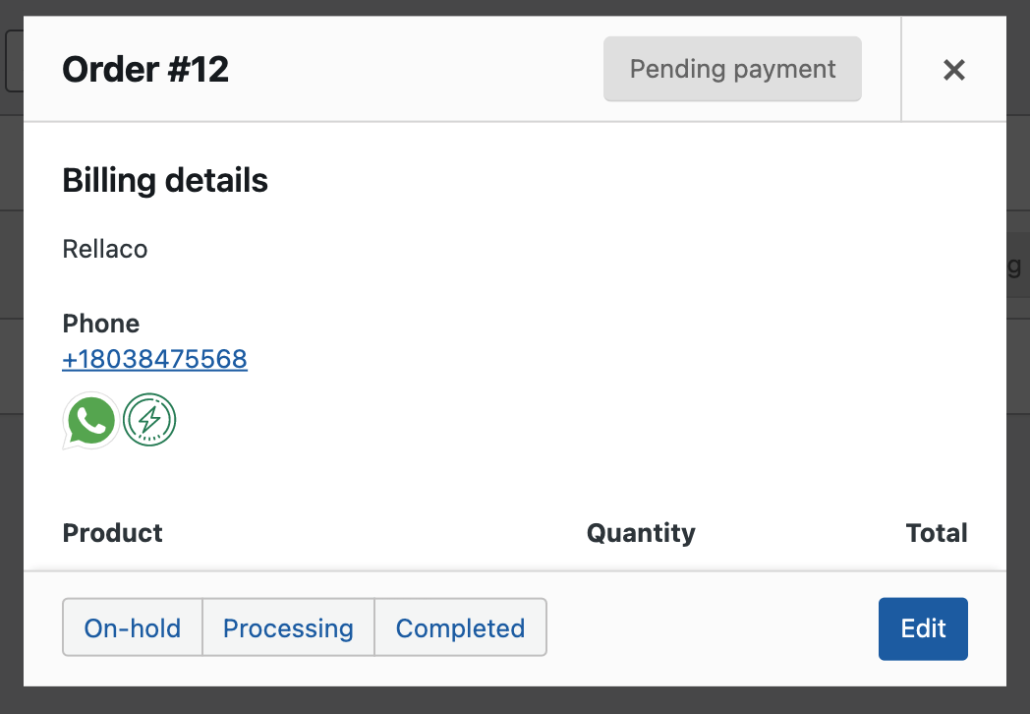
Click on the WhatsApp icon to open chat directly with the customer number.
Quick Message: #
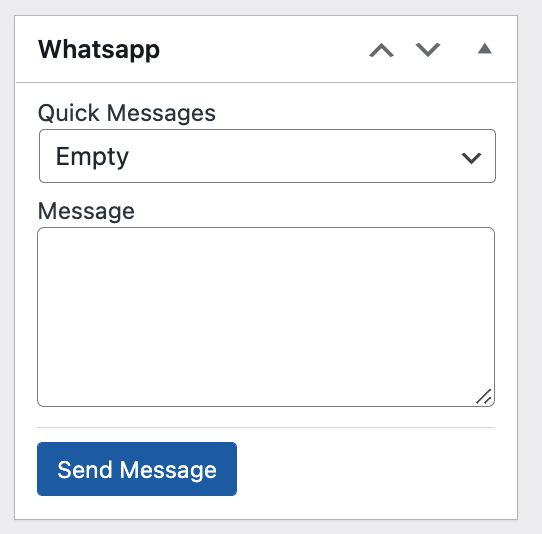
The second Icon is for sending a quick message to the customer, quick messages should be activated also from the General Settings.
You are able to access the customer’s WhatsApp number from the Order Details page or from the Order Preview.


Leave a Reply